
Kiosque: Subscriptions & Paywall
Turn a WordPress news site into a paid publication, collected via Mobile Money.
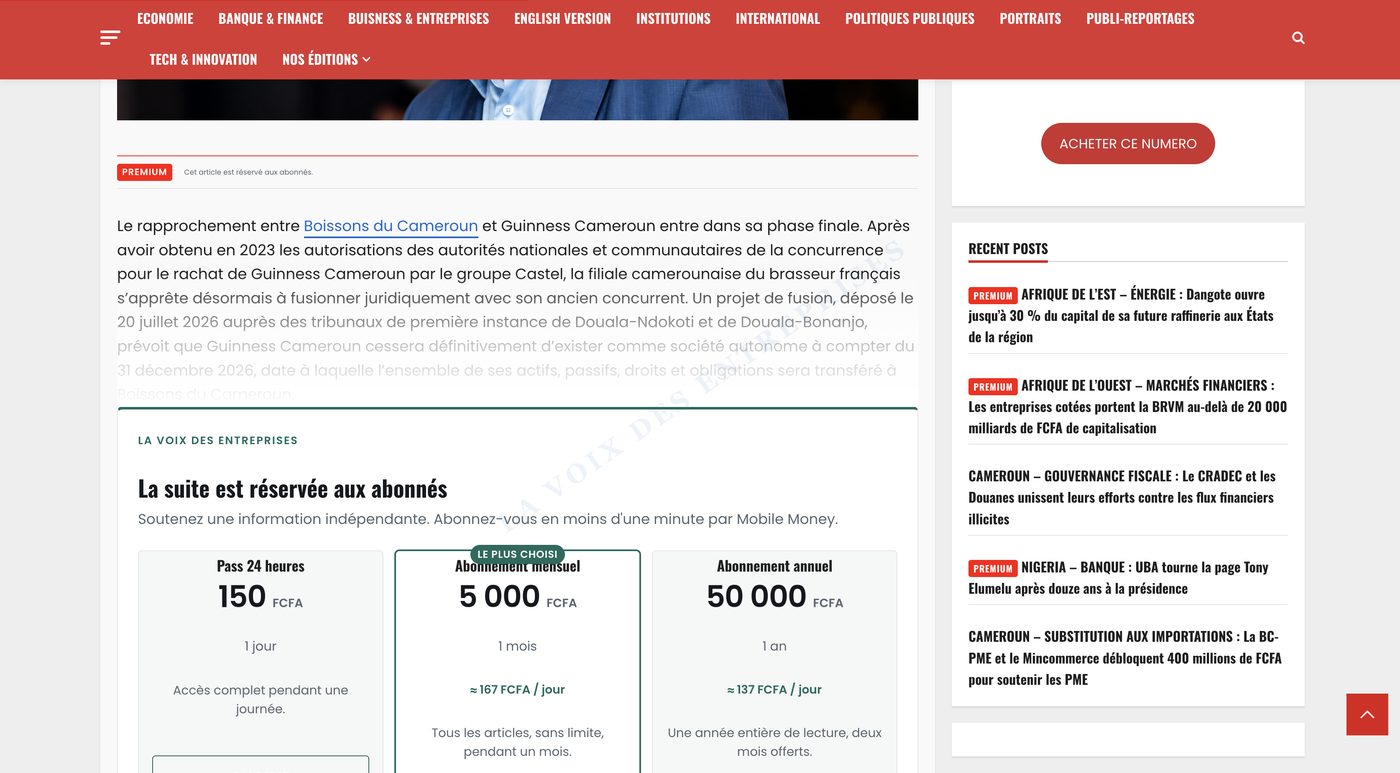
Kiosque lets a media outlet sell reading subscriptions and single PDF issues, with no WooCommerce and no third-party account. The reader sees the opening paragraphs, pays via Mobile Money through Nokash without leaving the article, and access opens immediately.
Kiosque : Abonnements & Paywall (Nokash)
Archive ready to upload into WordPress. No sign-up, no licence key.
Download the plugin 1.6.2The details that separate a paywall from a curtain
The cut never breaks the layout
The teaser is cut at the end of a paragraph, never mid-sentence, mid-list or mid-image.
The content is genuinely protected
The RSS feed and the REST API are truncated too. Otherwise the full article stays retrievable at /wp-json/wp/v2/posts and the paywall is only a visual curtain.
Renewing loses no paid day
A reader who renews before expiry has the new period start when the previous one ends.
The reader is not forced to create an account
Access works through a signed cookie, and an account is created in the background so the subscription follows the reader to another device.
The plugin adopts the publication's identity
No font is imposed: the block inherits the theme typography. Only the accent colour is set in the admin.
PDF issues are out of reach
PDFs are stored outside the media library, in a folder with an unpredictable name, and served by PHP after the purchase is verified.
The plugin in production
Titles already using it
The plugin runs in production on Cameroonian business press titles.
Business and economy title published twice weekly. Reading subscriptions and single PDF issue sales.
La Voix des Entreprises
Twice-weekly title covering economy, finance, innovation and employment.
What the plugin covers
- Premium marking per article, in bulk or by whole category
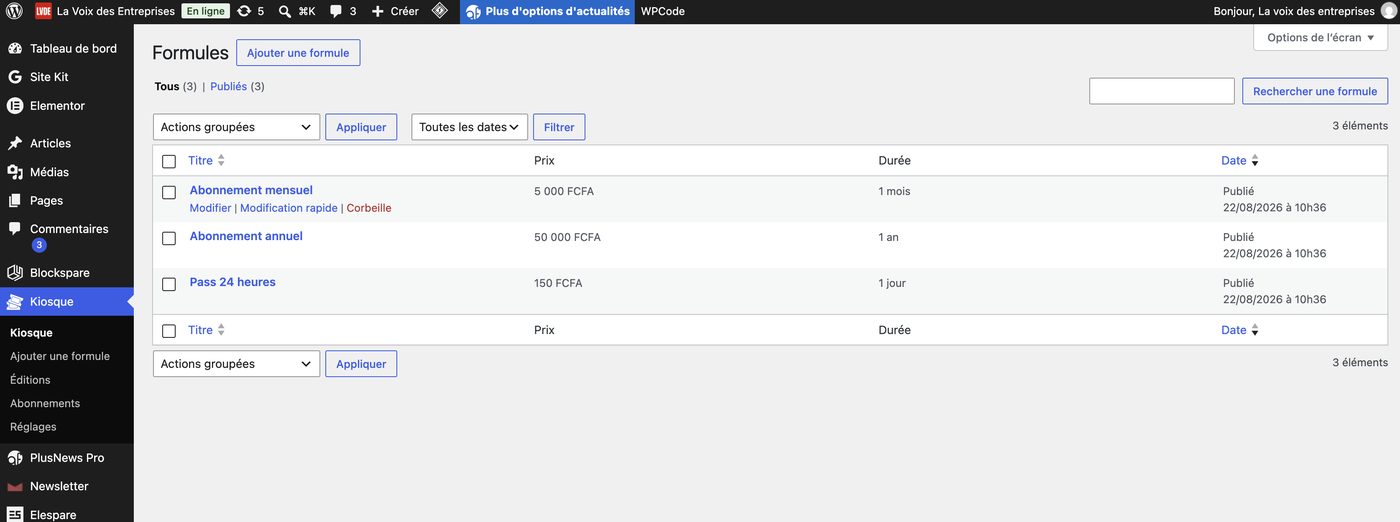
- Free-form subscription plans: duration, price, label
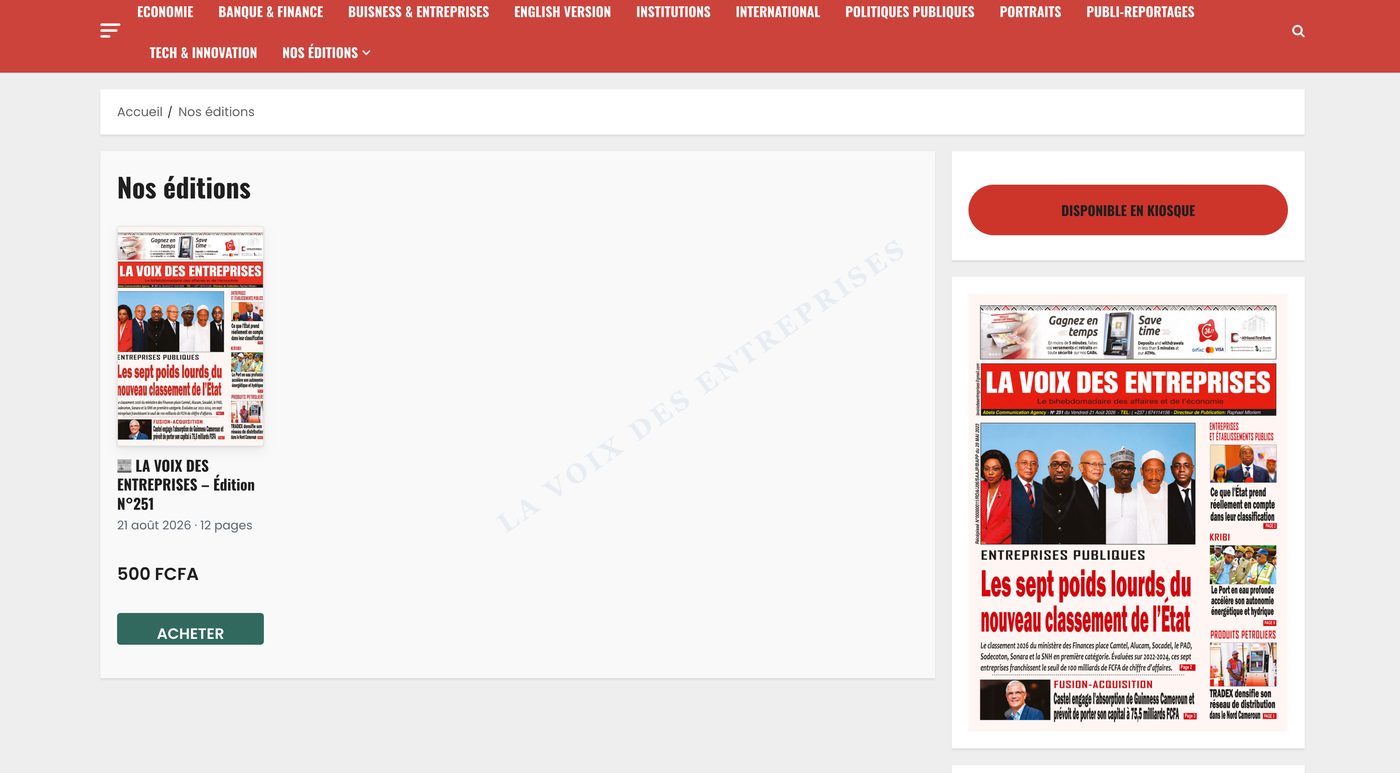
- Single PDF issue sales, with cover and publication date
- Reader library: a purchased issue stays accessible indefinitely
- Mobile Money payment through Nokash, without leaving the article
- Automatic expiry and e-mail reminders
- Login and account creation in a modal window, without wp-login.php
- Page cache compatibility and LiteSpeed purge on logout
- Diagnostics panel: HTTPS not forwarded by the proxy, inconsistent www addresses, active cache plugins
- Six extension hooks and a template overridable from the theme
Integration into the theme
[kiosque_formules] |
Pricing grid, for a "Our subscriptions" page. |
|---|---|
[kiosque_abonnement] |
Subscription status of the logged-in reader, with renewal. |
[kiosque_editions] |
Newsstand of PDF issues sold individually. |
[kiosque_bibliotheque] |
Issues purchased by the reader, permanent access. |
Four steps
01
Upload the nokash-paywall folder into /wp-content/plugins/ then activate the plugin.
02
Kiosque > Settings menu: paste your Nokash integration key.
03
Kiosque > Plans menu: three sample plans are created, adjust the prices.
04
On an article, in the "Kiosque: access" box, choose "Subscribers only".
One point of caution
Payment confirmation comes from the reader's browser. For a high-volume site, the nkpw_verify_payment filter allows server-side verification of the transaction against the Nokash API before access is granted.
SHA-256 checksum
67bb982edd59d0cee2014040f4930adeb8a66277786046c813b63b1e35239bf0
Kiosque: Subscriptions & Paywall
Installation, customisation or adaptation to your theme: we support media outlets deploying the plugin.